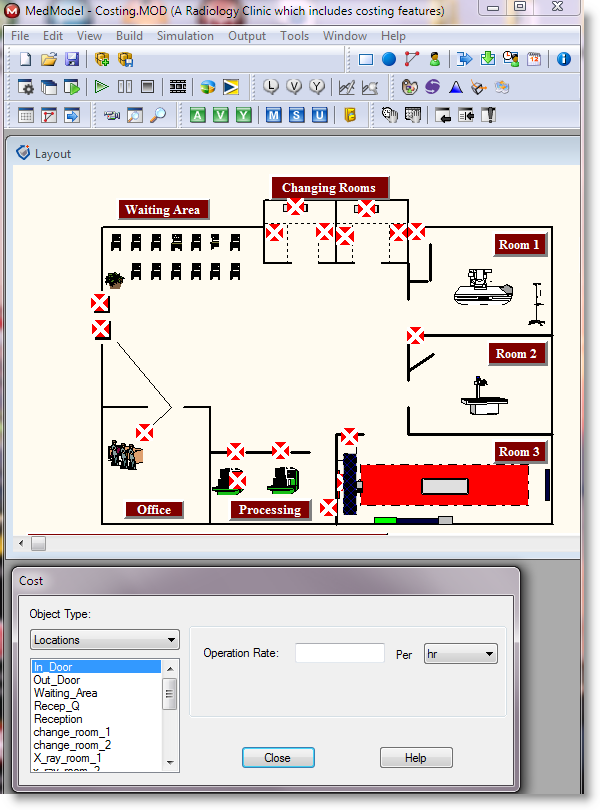
When you build a model using the costing feature, you must first define the locations, resources, and entities used in the model. Once you define these model components, you may assign costing information to them through the Cost option in the Build menu. To collect costing information about your model, uncheck the disable costing box from the simulation options dialog of the simulation menu. By default,
Please Note: The following scenarios assume you defined costs for all model components.

|
© 2012 ProModel Corporation • 556 East Technology Avenue • Orem, UT 84097 • Support: 888-776-6633 • www.promodel.com |